10 Free GitHub Repos That Replace Your Creator Stack: The Companion Guide
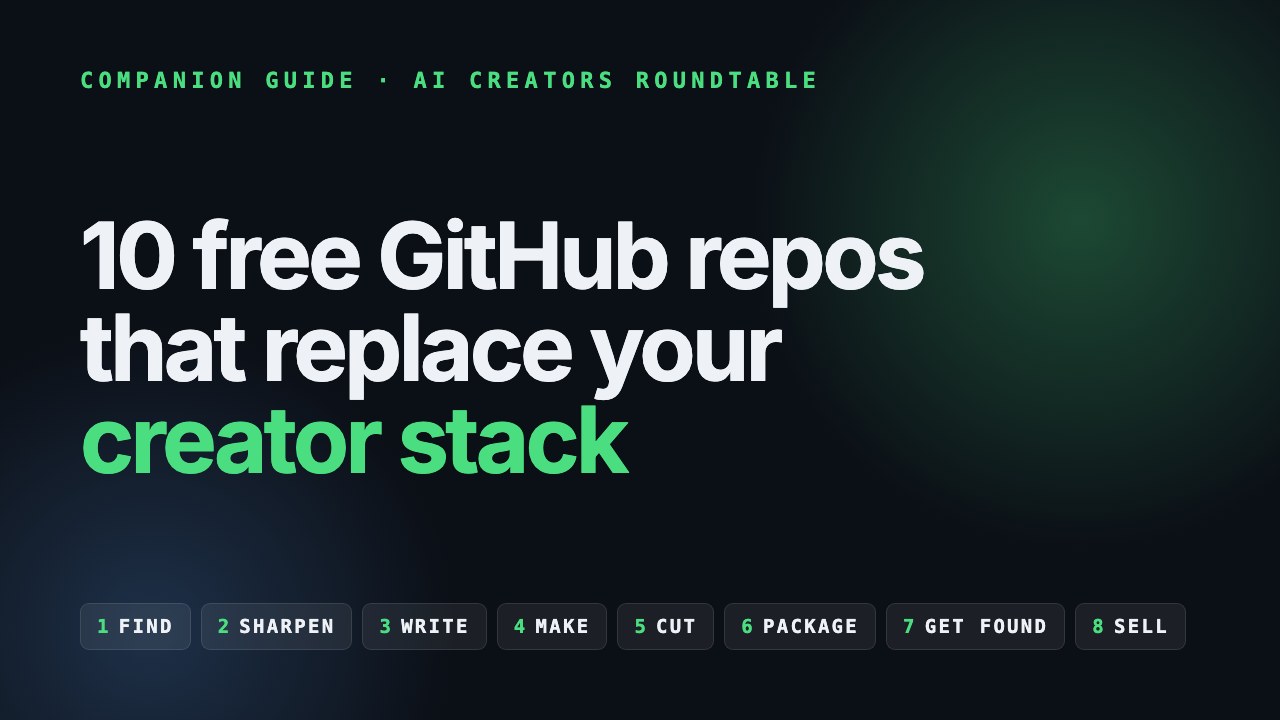
📺 This is the companion to the video on the channel. · 🧰 Want the install commands and a checklist? Grab the Creator Stack Resource Guide. · 🎁 More free guides live on the resources page.
Most creators are paying for a research tool, an SEO seat, a designer, a copywriter and an editor. Ten open-source repos on GitHub cover a real chunk of that work, and every one of them plugs into an AI coding agent like Claude Code. You say what you want. The agent does the grunt work.
The video runs through them fast. This guide slows down, so you can actually set them up and use them.
First, a disclosure
The presenter in the video is my digital avatar, not me on camera. The picks and the opinions are mine. None of these projects sponsored this, and one detail worth knowing: HyperFrames is made by HeyGen, the same company whose tool builds my avatar.
Star counts were checked on GitHub on September 13, 2026. Pricing and licenses change, so check each project before you build a business on it.
The stack in one table
The repos are in the order you'd use them, not ranked.
| Stage | Repo | What it does for you |
|---|---|---|
| 1. Find the idea | last30days | A cited brief on what your niche is talking about this month |
| 2. Sharpen it | grill-me | Interviews you until a fuzzy idea becomes a brief you can commit to |
| 3. Write it | no-ai-slop | Strips 20+ AI writing tells without flattening your voice |
| 4. Make it | HyperFrames | Turns HTML and CSS into a rendered MP4 |
| 4b. Make episodes | OpenMontage | A whole agentic video studio, from topic to final cut |
| 5. Cut it | auto-editor | Cuts the silence out of talking-head footage |
| 6. Package it | ComfyUI | A node-based workflow for thumbnails and stills |
| 7. Get found | OpenSEO | Keyword research, rank tracking and audits your agent can run |
| 8. Sell it | Impeccable | Stops your offer page looking AI-made |
| 8b. Sell it (words) | marketingskills | Playbooks for copy, offers, CRO, email and launches |
What you need before any of it: an AI coding agent (Claude Code, Codex, Cursor or similar), Node 22 or newer, and FFmpeg. ComfyUI and OpenMontage want more, and that's covered in their sections.
Stage 1: Find the idea with last30days
~62k stars · MIT · by Matt Van Horn
/last30days searches Reddit, X, YouTube, TikTok, Instagram, Hacker News, GitHub, Polymarket and the open web for the past 30 days, then writes a brief with citations. You see what's getting upvoted, what people are saying on camera and what people are putting money on.
That's the difference between guessing your next video and knowing what your audience is arguing about this week.
Starter prompt:
/last30days AI tools for solo creators
Then ask your agent to pull three video angles out of the brief, each with the evidence that suggests people care.
The catch. Treat the output as a brief, never as a script. A few sources (X, YouTube, TikTok) need a short setup wizard, and some platforms come back thin. The 30-day window is the point, so skip it for evergreen topics.
Stage 2: Sharpen it with grill-me
Part of mattpocock/skills (~261k stars) · MIT
You bring a fuzzy idea and /grill-me interviews you, round after round, until every branch of the idea is resolved. Who is this for? What's the promise? Why would anyone click? It keeps going until the brief is something you can commit to.
Ten minutes of questions beats eight hours rendering the wrong video.
Starter prompt:
/grill-me I want to make a video about [angle from last30days]. Grill me until the title, the promise and the audience are locked.
The catch. It never fires on its own, so you have to type /grill-me. It leans on the grilling skill, so install both. Scope it to one video or one offer, never your whole brand. And yes, it will annoy you. That's the product. If you want a paper trail, its sibling grill-with-docs writes the decisions down.
Stage 3: Write it with no-ai-slop
~9.2k stars · MIT · by Peter Yang
Paste a draft and /no-ai-slop removes more than 20 patterns that make writing read machine-made: fake contrast lines, throat-clearing openers, dramatic reveals after a colon. It can edit the draft or only flag problems.
Run it on scripts, titles, emails and community posts. Anything a human is going to read.
Starter prompts:
/no-ai-slop [paste your script]
/no-ai-slop is this slop? [paste your title and description]
The catch. It's a filter, never a ghostwriter. If the idea is empty, you get a very clean empty idea. Get the take right first, then run the slop pass.
Stage 4: Make it with HyperFrames
~49.6k stars · Apache 2.0 · by HeyGen
This is the one I'm most excited about. HyperFrames is an open-source video engine. You, or your agent, write a scene in HTML and CSS, add animation with GSAP, Lottie, Three.js or plain CSS, and it renders a real MP4. Same input, same frames, every time.
Agents already write HTML well, so your agent can now build intros, explainers, product spots, kinetic type and launch clips without After Effects. Rendering on your own machine doesn't use HeyGen credits.
In Claude Code, start with /hyperframes. It's a router: tell it what you want (a product launch, a faceless explainer, a motion graphic, even a Figma design to video) and it picks the right workflow.
Starter prompt:
/hyperframes Make a 15-second 1080p intro for my channel. Dark background, my channel name in bold kinetic type, a quick reveal of three topics I cover: [topics].
Preview it in the local studio, tweak copy and timing in the HTML, then render.
The catch. It isn't a timeline editor, so long talking-head videos still want a camera and a cutting tool. Node 22 is a hard floor. The first render is slow while Chrome and fonts warm up.
Pro move: HeyGen's hyperframes-launches repo has the real compositions behind their launch videos. Clone it and remix one.
Stage 4b: Make whole episodes with OpenMontage
~58.5k stars · AGPL-3.0
If HyperFrames is a render engine, OpenMontage is the whole studio: 12 production pipelines (talking head, explainer, cinematic, documentary montage, podcast repurposing, clip factory and more), 100+ tools and 700+ skill files. Your agent goes from research to script to assets to edit to final cut, and it can render through HyperFrames or Remotion.
It can run with zero paid API keys, using free text-to-speech and free stock footage. It also ships with a spending cap and asks before pricier actions.
When to use which: HyperFrames for a 15-second title card or a launch clip. OpenMontage when the job is "turn this topic into a full episode."
The catch. AGPL means that if you run a public service on it, you have to share your source. It's heavier to set up (Python, Node, FFmpeg) and it expects a human at its quality checkpoints. Local generative video wants a GPU.
Stage 5: Cut it with auto-editor
~5.2k stars · Unlicense (public domain)
The most boring repo here, and maybe the fastest win. Point it at your raw take and it cuts the silence and dead air. --margin keeps a little breathing room so the edit doesn't feel machine-gunned.
auto-editor take.mp4
auto-editor take.mp4 --margin 0.3sec
Your loop: record → auto-editor → watch the cut → human trim → captions.
The catch. It won't add B-roll or color grade. Always watch the result, because an aggressive setting will eat your punchlines. The source is public domain, but the official app and binaries have their own terms, so check auto-editor.com before a 4K or multi-camera job.
Stage 6: Package it with ComfyUI
~133k stars · GPL-3.0
The biggest repo on this list. ComfyUI is a node-based workflow builder for image and video models: thumbnails, product shots, cinematic stills and consistent characters. Instead of re-rolling a prompt every time, you build the recipe once and control every step.
Start here: install the desktop app from comfy.org, then begin from a template workflow and one model. Don't start from a blank graph.
A thumbnail system that works:
- Lock one style: your face, your text treatment, your background recipe.
- Batch 20 variations.
- Pick three.
- A/B test them on YouTube.
The catch. Plan on 16 GB of RAM and a real GPU. Your first week is mostly downloading model files. Every model has its own license, so check before you use its output commercially.
Stage 7: Get found with OpenSEO
~18.6k stars · MIT · openseo.so
An open-source alternative to Semrush and Ahrefs, built so your agent can use it. It covers keyword research, rank tracking, competitor insights, backlinks, site audits and AI visibility, and it exposes an MCP server plus agent skills.
Two ways in:
- Hosted: openseo.so has a $10/month hosted subscription. Check the pricing page for what's included.
- Self-hosted: run it yourself and bring your own DataForSEO API key. It's cheaper because the hosted service adds 28% to every DataForSEO request.
Starter prompt (once the MCP and skills are set up):
Use OpenSEO to research keywords for my next 10 video titles about [topic]. Show search volume and difficulty, and group them by intent.
The catch. The app is free and the data isn't: every lookup costs DataForSEO credit. If you self-host with Docker on your own machine, keep it off the open internet. Track 20 to 50 terms, not 5,000.
Stage 8: Sell it with Impeccable and marketingskills
Impeccable: the page
~67.8k stars · Apache 2.0 · by Paul Bakaus
Your offer page, your waitlist, your booking page. If it looks AI-made, people bounce. Impeccable gives your coding agent a real design language, with commands like craft, critique, audit, polish and bolder, plus detector rules for the classic AI look: Inter everywhere, purple gradients, cards nested in cards, gray text on colored backgrounds.
Starter flow:
/impeccable init
/impeccable critique the landing page
/impeccable polish
init records your product's truth (audience, voice, constraints) in PRODUCT.md, so later commands aren't guessing.
The catch. It needs a real code project (HTML, React, Vue, Svelte). It won't restyle a Wix site. Run init first.
marketingskills: the words
~50k stars · MIT · by Corey Haines
A pack of marketing skills for your agent: copywriting, offers, CRO, email sequences, ads, pricing, launches and a full marketing plan. It's the business half of being a creator.
Start with five: copywriting, offers, cro, emails and launch. Don't install every skill on day one.
Starter prompt:
Use the offers and copywriting skills. My offer is [offer] for [audience]. Give me three headline and subhead pairs, the objection each one handles, and the CTA.
The catch. These are playbooks, not live data. When you need real numbers, pair them with OpenSEO.
A week with the stack
| Day | Job | Repos |
|---|---|---|
| Monday | Pick the video | last30days → grill-me |
| Tuesday | Write and clean the script | your voice → no-ai-slop |
| Wednesday | Record and first cut | camera → auto-editor |
| Thursday | Motion, intro and thumbnail | HyperFrames, ComfyUI |
| Friday | Title, page and launch | OpenSEO, Impeccable, marketingskills |
If you only set up four this week
- HyperFrames, for motion and packaging without After Effects.
- no-ai-slop, for every script, title and email.
- OpenSEO on the $10 hosted plan, for titles that match real demand.
- Impeccable, for any page that has to sell.
Add auto-editor the first time you're staring at a 20-minute raw take.
Every install command, link and license is in the Creator Stack Resource Guide, with a checklist you can tick off.
What this stack won't do
- Have the idea for you. last30days and grill-me sharpen your judgment. They don't replace it.
- Make it free-free. The software is open source. Data (DataForSEO), models and GPU time can still cost money.
- Remove review. Every one of these produces a draft. Watch the cut, read the copy and check the page before it ships.
Building this stack and want people to build it with? That's what the AI Creators Roundtable is for: a community of creators and solo business owners trading real workflows, prompts and wins.