The Creator Stack Resource Guide: Every Repo, Install Command and Setup Checklist
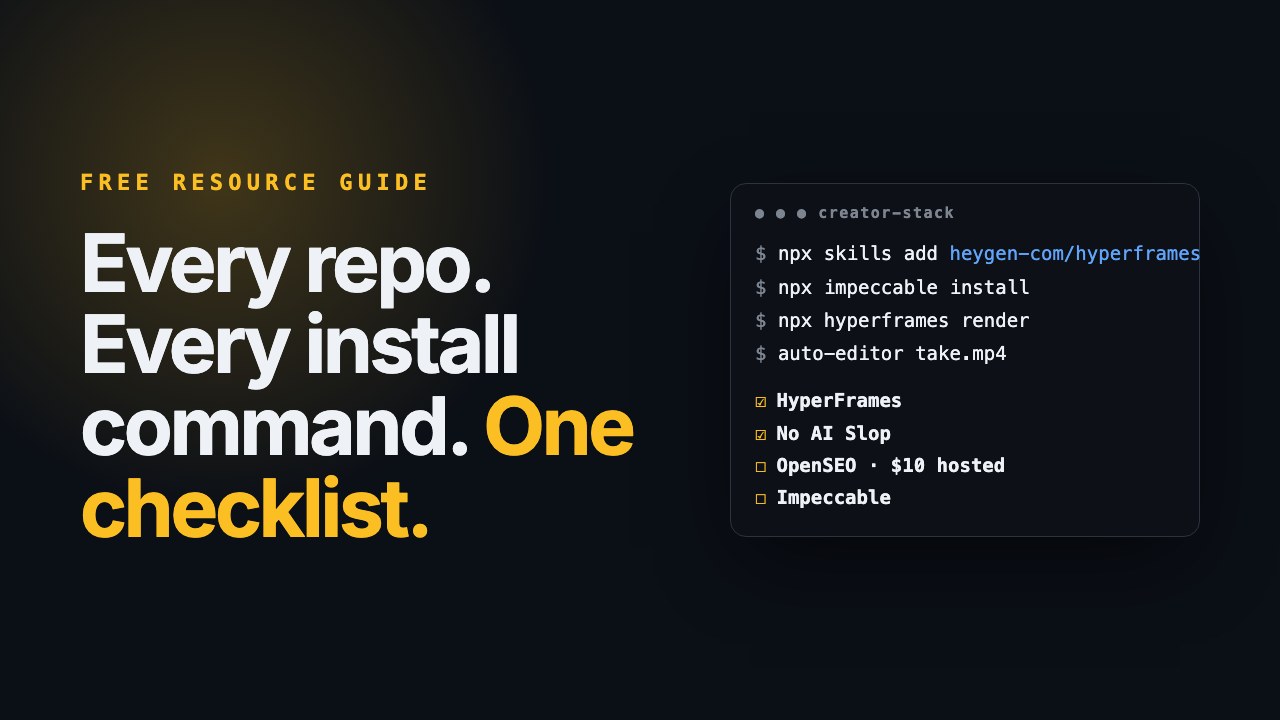
📺 From the video on the channel. · 📖 Want the why and the workflow? Read the companion guide. · 🎁 More free guides live on the resources page.
This is the reference sheet. Bookmark it and come back when you're setting something up.
How this was checked: star counts and licenses come from GitHub on September 13, 2026, and install commands come from each project's own README on the same day. Projects move fast, so if a command fails, the README link in each section is the source of truth.
The presenter in the video is my digital avatar. The picks are mine, and nothing here is sponsored.
At a glance
| # | Repo | Stars | License | Cost to use | Best for |
|---|---|---|---|---|---|
| 1 | mvanhorn/last30days-skill | ~62k | MIT | Free (some sources need keys) | Finding video ideas |
| 2 | mattpocock/skills → grill-me | ~261k | MIT | Free | Sharpening a brief |
| 3 | petergyang/no-ai-slop | ~9.2k | MIT | Free | Cleaning up writing |
| 4 | heygen-com/hyperframes | ~49.6k | Apache 2.0 | Free to render locally | Motion, intros, launch clips |
| 5 | calesthio/OpenMontage | ~58.5k | AGPL-3.0 | Free with zero keys; paid APIs optional | Whole episodes |
| 6 | WyattBlue/auto-editor | ~5.2k | Unlicense | Free (check app terms) | Cutting silence |
| 7 | Comfy-Org/ComfyUI | ~133k | GPL-3.0 | Free; needs a GPU | Thumbnails and stills |
| 8 | every-app/open-seo | ~18.6k | MIT | $10/mo hosted, or pay-as-you-go data | SEO and titles |
| 9 | pbakaus/impeccable | ~67.8k | Apache 2.0 | Free | Pages that don't look AI-made |
| 10 | coreyhaines31/marketingskills | ~50k | MIT | Free | Copy, offers, CRO, email |
Before you start
- An AI coding agent: Claude Code, Codex, Cursor or similar
- Node.js 22+ (
node -v); HyperFrames needs it - FFmpeg (
ffmpeg -version); on a Mac,brew install ffmpeg - Chrome or Chromium, for HyperFrames rendering
- Python 3.10+, only for OpenMontage
- A GPU and 16 GB of RAM, only for ComfyUI and local generative video
1. last30days
Repo: github.com/mvanhorn/last30days-skill
Install (Claude Code plugin):
/plugin marketplace add mvanhorn/last30days-skill
/plugin install last30days
Or with the skills CLI:
npx skills add mvanhorn/last30days-skill -g
First run: /last30days [your niche]
Cost: free. X, YouTube and TikTok need a short setup wizard, and some sources are thin without keys. Watch out for: it writes briefs, not scripts. Use it for current conversation, not evergreen topics.
2. grill-me (mattpocock/skills)
Repo: github.com/mattpocock/skills
Install just what you need:
npx skills@latest add mattpocock/skills --skill grill-me grilling
Or the whole plugin in Claude Code:
claude plugins install mattpocock-skills
First run: /grill-me [your video or offer idea]
Cost: free.
Watch out for: it's user-invoked only, so it never fires by itself. grill-me uses the grilling skill, so install both. grill-with-docs is the version that writes CONTEXT.md and ADRs.
3. no-ai-slop
Repo: github.com/petergyang/no-ai-slop
Install:
npx skills add petergyang/no-ai-slop --skill no-ai-slop --global --yes
First runs:
/no-ai-slop [paste your draft]
/no-ai-slop is this slop? [paste your draft]
Cost: free. Watch out for: it's a pattern filter. Run it after the idea is solid.
4. HyperFrames
Repo: github.com/heygen-com/hyperframes · Docs: hyperframes.heygen.com
Install the skills (choose the Core Skills group in the picker):
npx skills add heygen-com/hyperframes
Non-interactive or agent install of the core set:
npx hyperframes skills update
Make a video:
npx hyperframes init my-video
cd my-video
npx hyperframes preview
npx hyperframes render
In Claude Code: start every request with /hyperframes.
Cost: the engine and local renders are free. HeyGen avatars, TTS and cloud rendering are optional paid extras. Watch out for: Node 22 is the minimum, and it isn't a timeline editor. Remix real launches: heygen-com/hyperframes-launches.
5. OpenMontage
Repo: github.com/calesthio/OpenMontage
Install:
git clone https://github.com/calesthio/OpenMontage.git
cd OpenMontage
make setup
make setup installs the Python dependencies, the Remotion composer and Piper TTS, and creates your .env. There's no-make fallback in the README for macOS, Linux and Windows.
Cost: it can run with zero paid keys (Piper TTS plus free stock). Paid providers are optional and sit behind a spending cap. Watch out for: the AGPL-3.0 license, so running it as a public service means sharing your source. It's heavier than HyperFrames alone and expects you at the quality checkpoints.
6. auto-editor
Repo: github.com/WyattBlue/auto-editor · Install guide: auto-editor.com/installing
Use:
auto-editor take.mp4
auto-editor take.mp4 --margin 0.3sec
0.2s is the default margin. Raise it for a looser, more natural pace.
Agent skill:
npx skills add WyattBlue/auto-editor
Cost: the repository is public domain. The official online app and downloadable application have their own terms, so check them for large or multi-camera jobs. Watch out for: aggressive settings cut punchlines. Always watch the result.
7. ComfyUI
Repo: github.com/Comfy-Org/ComfyUI · Desktop app and docs: comfy.org
Start: install the desktop app → open a template workflow → download one model → generate.
Cost: free software. You pay in GPU, RAM and disk (models are large). Watch out for: GPL-3.0 on the engine, and each model has its own license, so check before commercial use. Don't start from a blank graph.
8. OpenSEO
Repo: github.com/every-app/open-seo · Hosted: openseo.so
Fastest path: the hosted version at openseo.so, with a $10/month subscription (pricing).
Connect your agent:
Self-host:
- Docker, best for trying it out on your own machine
- Cloudflare, recommended for access across devices or with a team
- Either way you need a DataForSEO API key
Cost: the app is free and the data is pay-as-you-go through DataForSEO. Self-hosting is cheaper because the hosted service charges 28% extra on each DataForSEO request. Watch out for: don't expose a local Docker install to the internet. Track 20 to 50 terms, not thousands.
9. Impeccable
Repo: github.com/pbakaus/impeccable · Docs: impeccable.style
Install (from your project root):
npx impeccable install
Then, inside your agent:
/impeccable init
/impeccable critique
/impeccable audit
/impeccable polish
Other commands worth knowing: craft (shape, then build), shape (plan before code), bolder, document (generate DESIGN.md).
Cost: free.
Watch out for: it needs a real code project and won't restyle a Wix or Squarespace site. Run init first so it has your product's truth.
10. marketingskills
Repo: github.com/coreyhaines31/marketingskills · Site: marketing-skills.com
Install the five to start with:
npx skills add coreyhaines31/marketingskills --skill copywriting offers cro emails launch
See every skill first:
npx skills add coreyhaines31/marketingskills --list
Or as a Claude Code plugin:
/plugin marketplace add coreyhaines31/marketingskills
/plugin install marketing-skills
Cost: free. Watch out for: playbooks, not live data. Pair with OpenSEO for real numbers.
Your first-week setup checklist
Day 1: foundations
- Confirm Node 22+, FFmpeg and Chrome are installed
- Install no-ai-slop and run it on your last script or post
- Install HyperFrames, run
init, and render the starter video once so the first slow render is out of the way
Day 2: get found
- Start OpenSEO hosted ($10/mo), or pick Docker or Cloudflare self-hosting
- Connect the MCP to your agent
- Research keywords for your next 10 video titles
- Set up tracking for 20 to 50 terms
Day 3: the page
-
npx impeccable installin your landing page project -
/impeccable init, thencritique, thenpolish - Install marketingskills (copywriting, offers, cro, emails, launch) and rewrite the headline and CTA
Day 4: ideas
- Install last30days and run it on your niche
- Install grill-me and grill your strongest angle into a brief
Day 5: production
- Run auto-editor on your next raw take and watch the cut
- Build one HyperFrames intro or title card for the video
- Optional: install ComfyUI and lock one thumbnail style
Later, when you need it
- OpenMontage, when you want a repeatable full-episode system
License quick reference
| License | Repos | What it means for a creator |
|---|---|---|
| MIT / Apache 2.0 | last30days, skills, no-ai-slop, HyperFrames, OpenSEO, Impeccable, marketingskills | Use them freely, commercial work included. Keep the license notice if you redistribute the code. |
| Unlicense | auto-editor | The repository is public domain. The official app and binaries have their own terms. |
| GPL-3.0 | ComfyUI | Fine for making your own content. Distributing modified versions means sharing source. Model licenses are separate. |
| AGPL-3.0 | OpenMontage | Fine for your own videos. Running it as a public or hosted service means sharing source. |
This is a plain-English summary, not legal advice. Read the license file for anything commercial.
Want help setting this up, or to show what you built? Come join the AI Creators Roundtable, a community of creators and solo business owners trading real workflows, prompts and wins.